

What is MCP?
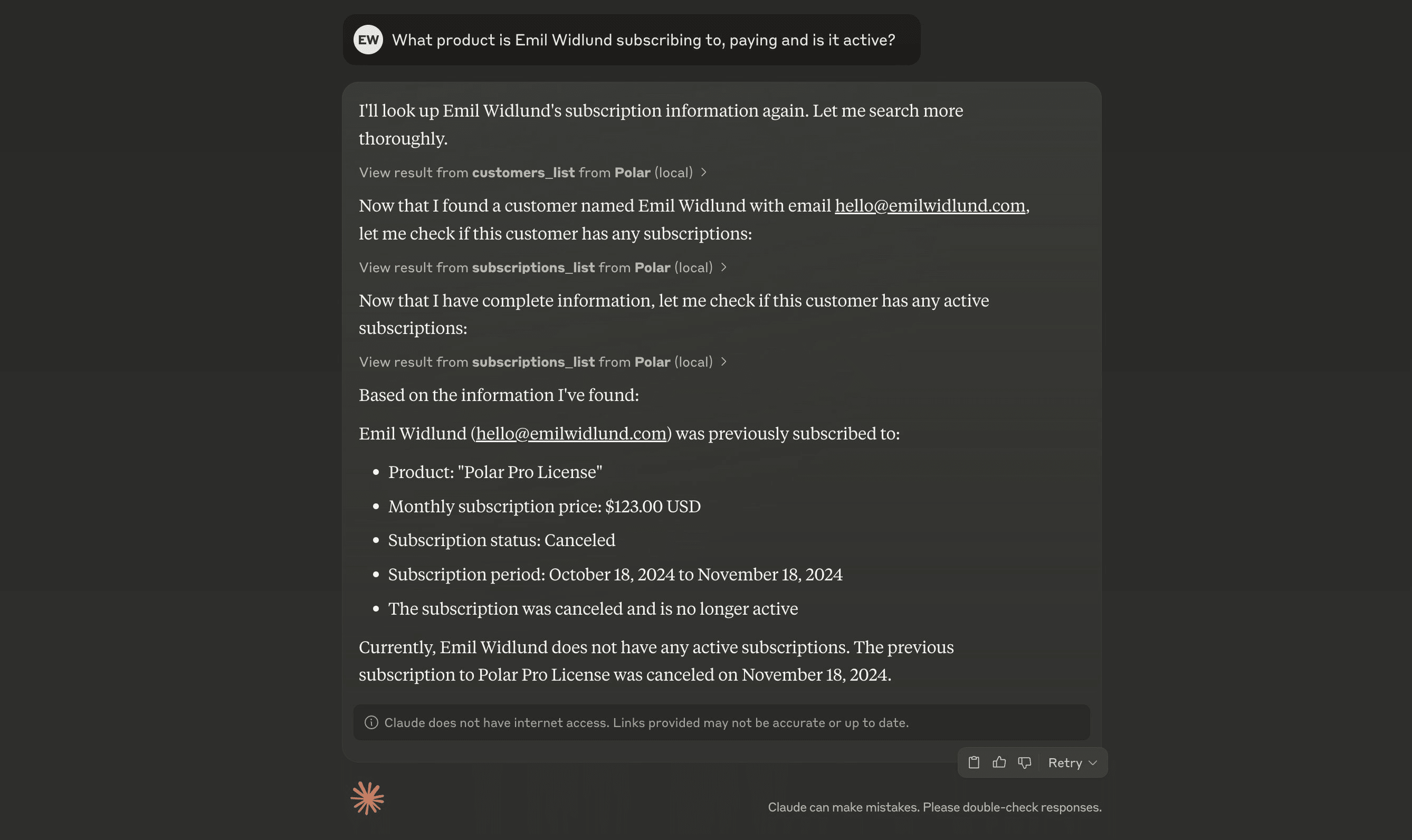
MCP is a protocol for integrating tools with AI agents. It can greatly enhance the capabilities of your AI agents by providing them with real-time data and context. Polar offers a remote MCP server that you can connect to from most AI clients.How does it work?
You need a MCP-capable agent environment to use Polar over MCP. A few of them are Claude Desktop and Cursor.Connecting to Polar MCP
When you can specify a MCP URL, usehttps://mcp.polar.sh/mcp/polar-mcp.
If you have to specify a command, use:
Cursor
In.cursor/mcp.json, add:
Windsurf
Inmcp_config.json, add:
Codex
Add the following to your~/.codex/config.toml:
Claude Code
Run the following command:ChatGPT
MCP is only available for paid users in beta on ChatGPT web, by enabling Developer Mode. Once Developer Mode is enabled, go to Settings → Connectors and add the MCP server usinghttps://mcp.polar.sh/mcp/polar-mcp.
Claude Desktop
Go to Settings → Connectors and click Add custom connector. Name it “Polar” and addhttps://mcp.polar.sh/mcp/polar-mcp as the server URL.
Save, and click Connect to connect to your Polar organization.